Duskfade Cuckoo the Mechanical Bird
Zirian's clockwork companion — hints, humor, and mobility callouts you can tune to taste.
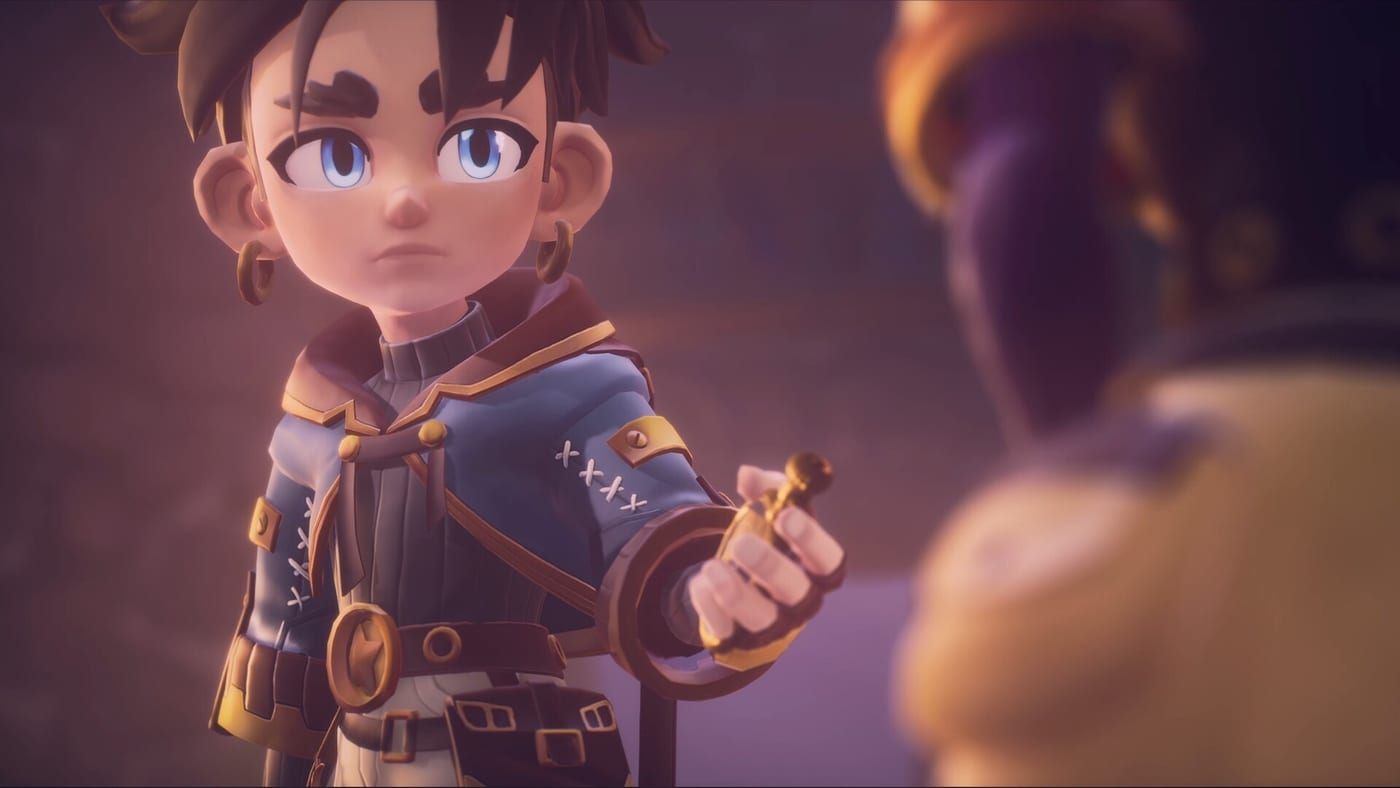
Why Cuckoo matters mechanically and emotionally
Cuckoo is Zirian’s mechanical bird companion, part pet and part toolkit narrator. Weird Beluga uses Cuckoo to deliver traversal reminders without plastering the HUD with arrows — a design choice preview readers compare to classic buddy-platformer duos, except Cuckoo’s tone skews wry and clockpunk. The bird reacts when you discover Star Shards, nudges you toward Multicoloured Flasks, and occasionally comments on Cloudies NPCs milling through Tick Town.
Mechanically, Cuckoo is not a separate playable entity. Instead, the bird triggers contextual prompts tied to gadgets: grapple anchor highlights, blast cooldown warnings, and Temporal Shift safety reminders before Wrath slams the arena. That integration means companion settings are accessibility features as much as flavor. Optional speech bubbles let chatty players enjoy banter while speedrunners strip dialogue down to icon pings.
Speech bubbles and accessibility
Preview materials emphasize optional speech bubbles for Cuckoo. Expect toggles that range from full comic-style text to silent icon chirps. On PC, pair bubble settings with subtitle sizes from the demo menu; on console, check whether speech bubbles duplicate or replace spoken barks once voice lines ship in the full game.
If you are learning routes, leave bubbles on during your first pass through the demo checklist. They often call out ledges that hide Clock Heart Pieces. After you memorize layouts, disable bubbles to reduce screen clutter during Wrath attempts.
Traversal synergy with Zirian’s kit
Cuckoo animations frequently telegraph combo windows:
- Grapple lines — Cuckoo circles anchor points when Zirian is within range, reducing trial-and-error in vertical rooms.
- Blast gadget — A wing flare may indicate recoil direction, helping you chain aerial boosts toward shard clusters.
- Shotgun-like spread — Cuckoo darting sideways can mark breakable panels Cloudies mention in optional dialogue.
- Temporal Shift — The bird may rewind along with Zirian, reinforcing safe windows before emotional bosses enrage.
Documenting these tells on a wiki is tricky because animations receive polish between demo builds. When Steam patches the demo, re-run a short session and update your personal notes; our Updates hub flags when those patches land.
Story role alongside Allira
Where Allira represents family guilt, Cuckoo represents pragmatic hope — a machine that still chooses to help. Fireshine’s marketing keeps Cuckoo visible in key art for good reason: the bird sells the game’s warmth without undercutting darker boss themes. When Cuckoo grows quiet during story beats, treat it as foreshadowing rather than a bug.
Lore hunters should cross-reference Cuckoo dialogue with boss manifestations. Lines that mention “winding too tight” or “skipped beats” often hint at upcoming emotional arenas.
Companion-focused routing tips
- Talk to Cloudies while Cuckoo is perched — some NPCs only share flask locations when the bird is visible.
- After acquiring a new Upgrade Gear, backtrack one screen; Cuckoo frequently reveals a previously locked grate.
- Before Wrath, listen for Cuckoo’s warning chirp pattern; it usually matches the boss’s first slam telegraph.
- Log findings in the collectibles tracker so bubble hints align with checked boxes.
Beyond companions — launch logistics
Cuckoo will not help you choose between PS5 and Switch 2 versions. For that, use platform comparison and pre-order guidance. For performance on PC, read system requirements. Official demos and trailers remain on the Official Links hub.
Seasoned players and accessibility
Veterans replaying the demo for Wrath speedruns often disable bubbles once muscle memory handles grapple anchors. New players should leave hints enabled for at least one full clear — Steam reviews split when mobility praise meets boss frustration, and companion hints narrow that gap. Streamers can use partial bubbles so chat hears lore without covering the HUD.
Related pages
- Zirian and Allira for sibling story context
- Gadgets guide for tool cooldown details
- Characters hub for Cloudies and boss overview
Frequently Asked Questions
Quick answers based on the demo and official pre-launch info.
Can Cuckoo attack enemies directly?
Preview footage focuses on hints and traversal assistance rather than independent combat. Treat Cuckoo as a guide, not a damage dealer.
How do I disable Cuckoo speech bubbles?
Look for accessibility or companion settings in the demo options menu. Terminology may change before launch, but optional bubbles are a stated feature.
Does Cuckoo appear in boss fights?
Yes. Cuckoo typically remains on screen during encounters like Wrath, offering telegraph callouts if bubbles are enabled.
Will Cuckoo voice lines differ by platform?
Expect parity across PC and consoles, but download sizes and language packs may vary. Confirm audio languages on each store listing near launch.